🌌 Homeworld: A Good Basis
Inspired by Homeworld (1999) — a two-player, one-screen space RTS where commanding your fleet is doing linear algebra. Every ship is a column vector, your whole fleet is a matrix, and instead of clicking each ship you think: you build a transformation matrix that rotates, scales, or scatters the entire formation at once. The long journey home to Hiigara is "the search for a good basis."
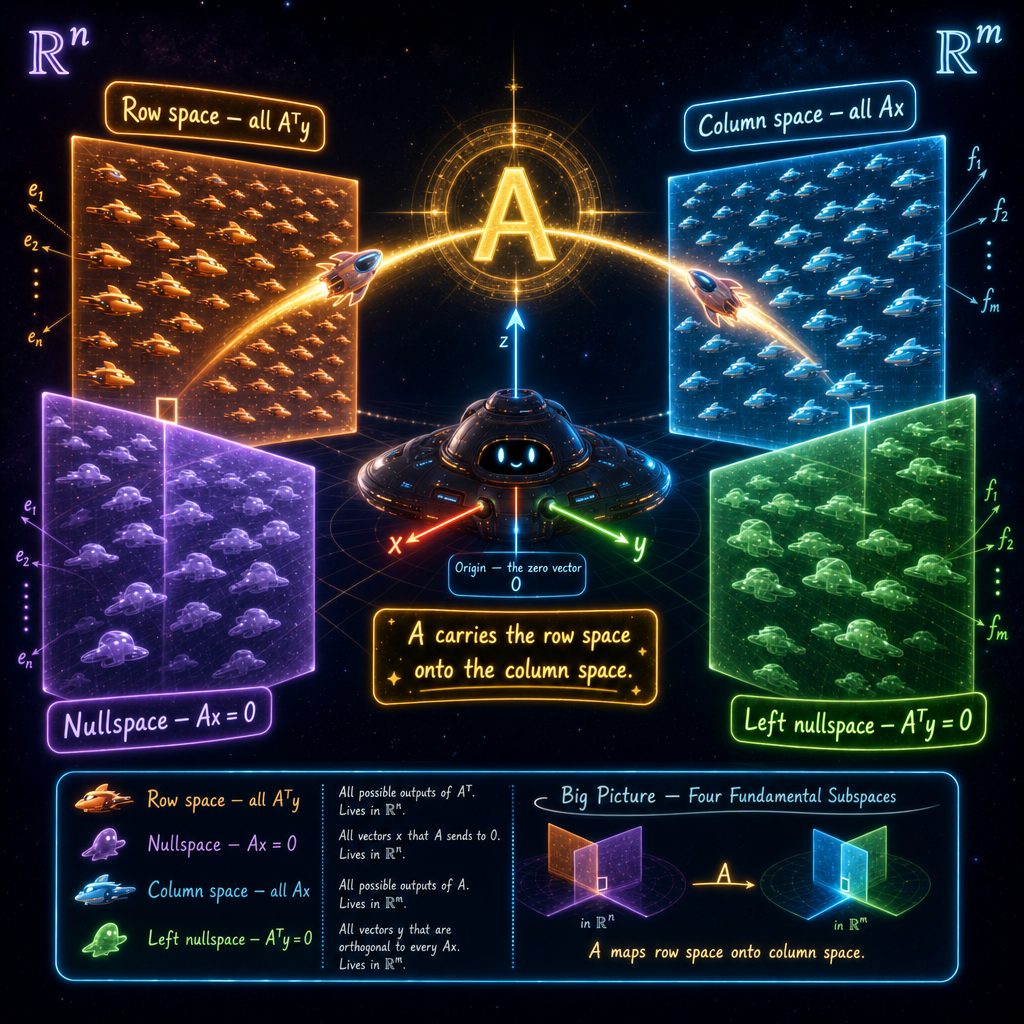
An early sneak peek — the template game is playable now; the full 16-mission journey home is still being built. 💙
You remember this.
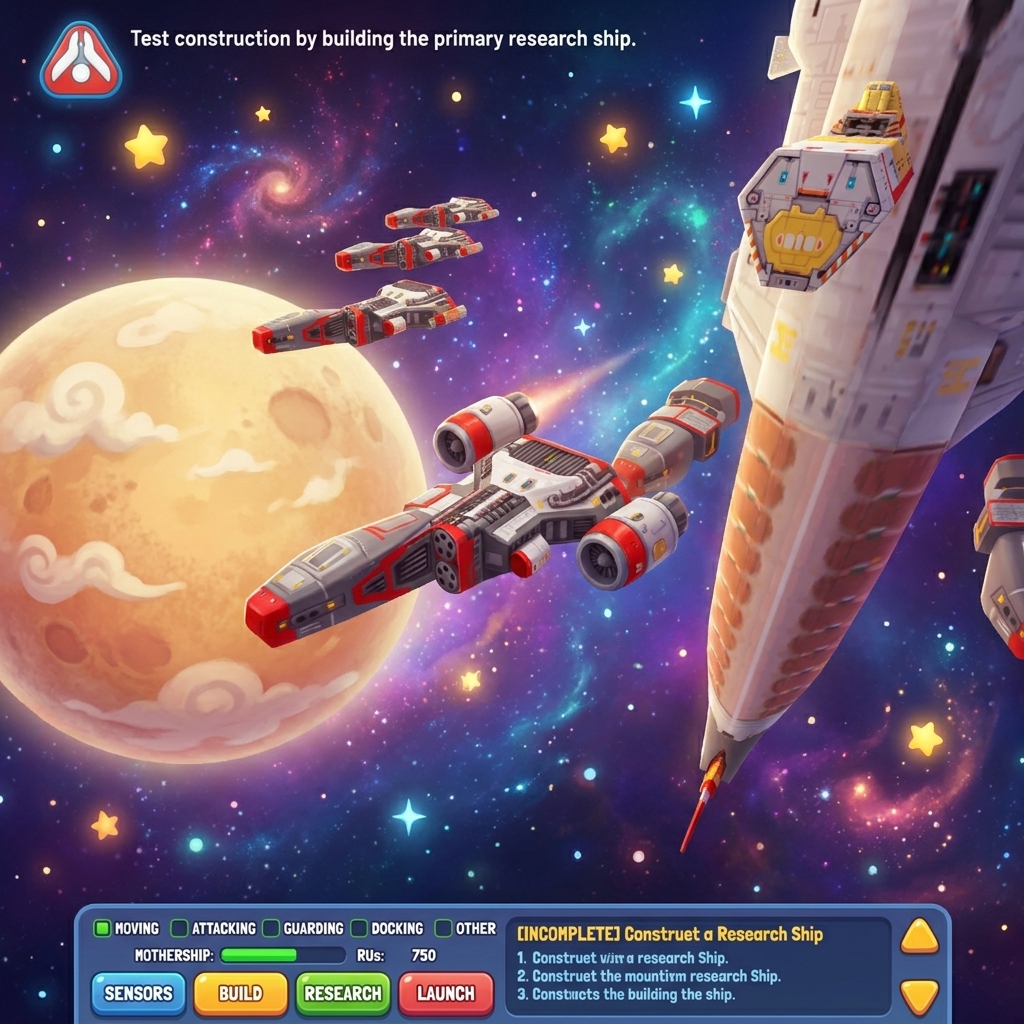
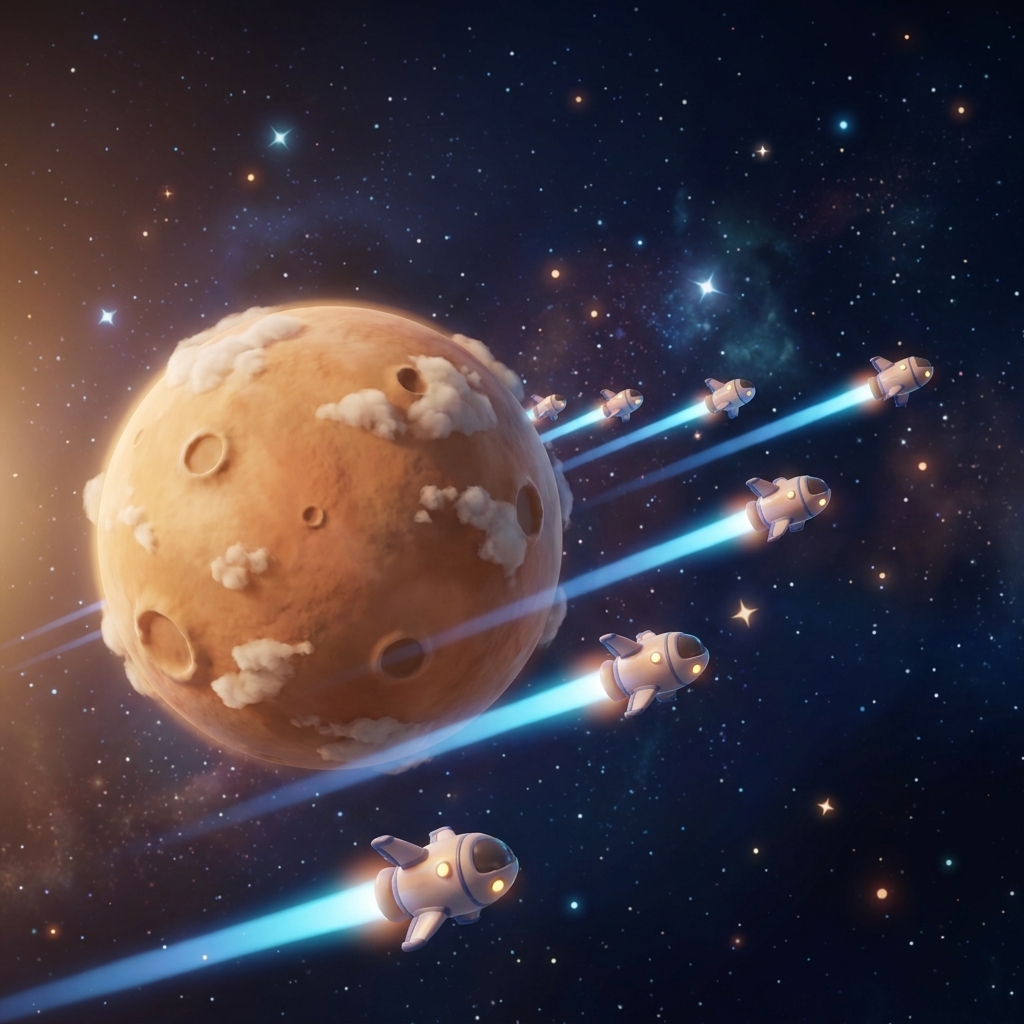
In 1999, Homeworld did something no game had done before — a real-time strategy game set in true 3D space, with a lonely mothership leading a ragtag fleet across the stars toward a lost home planet. It was beautiful, and it was about something. We kept that feeling — the fleet, the vastness, the pull of home — and poured a whole branch of mathematics inside.
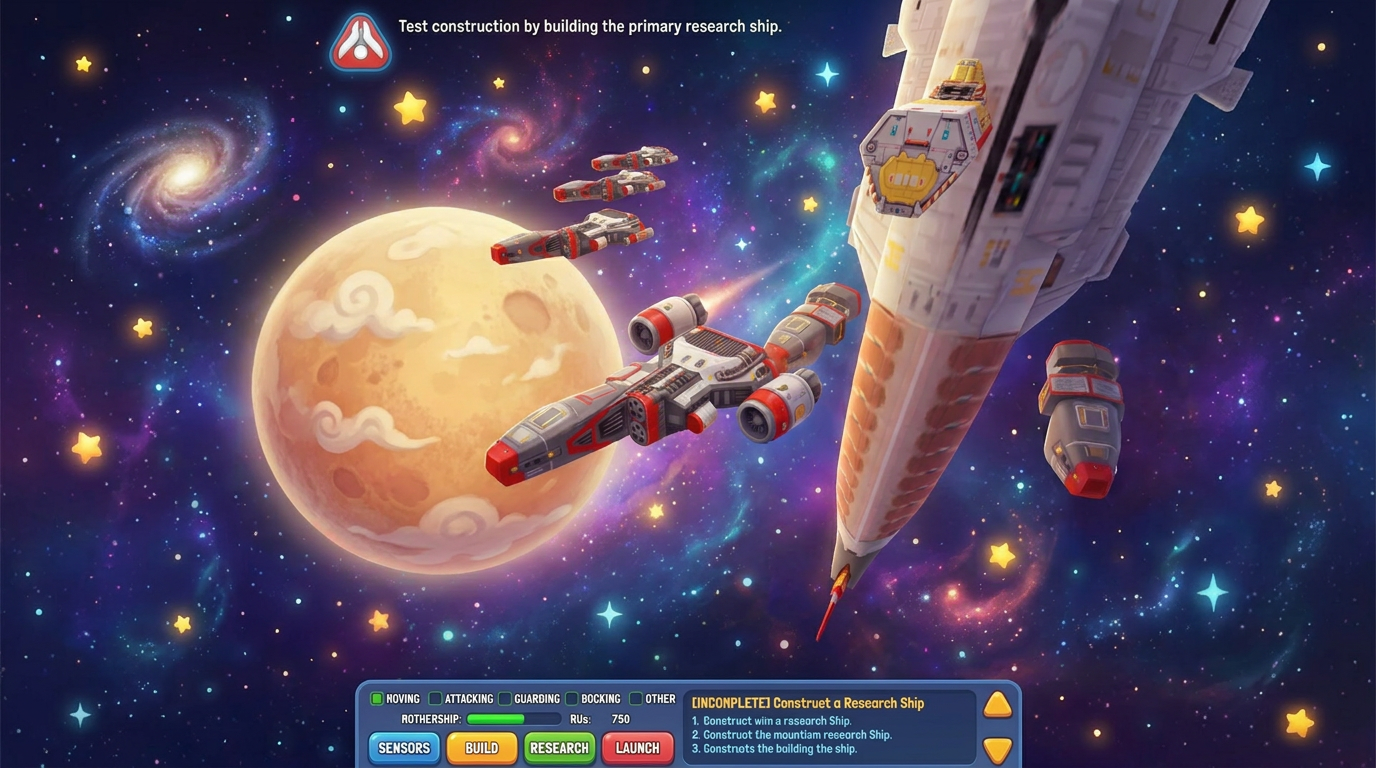
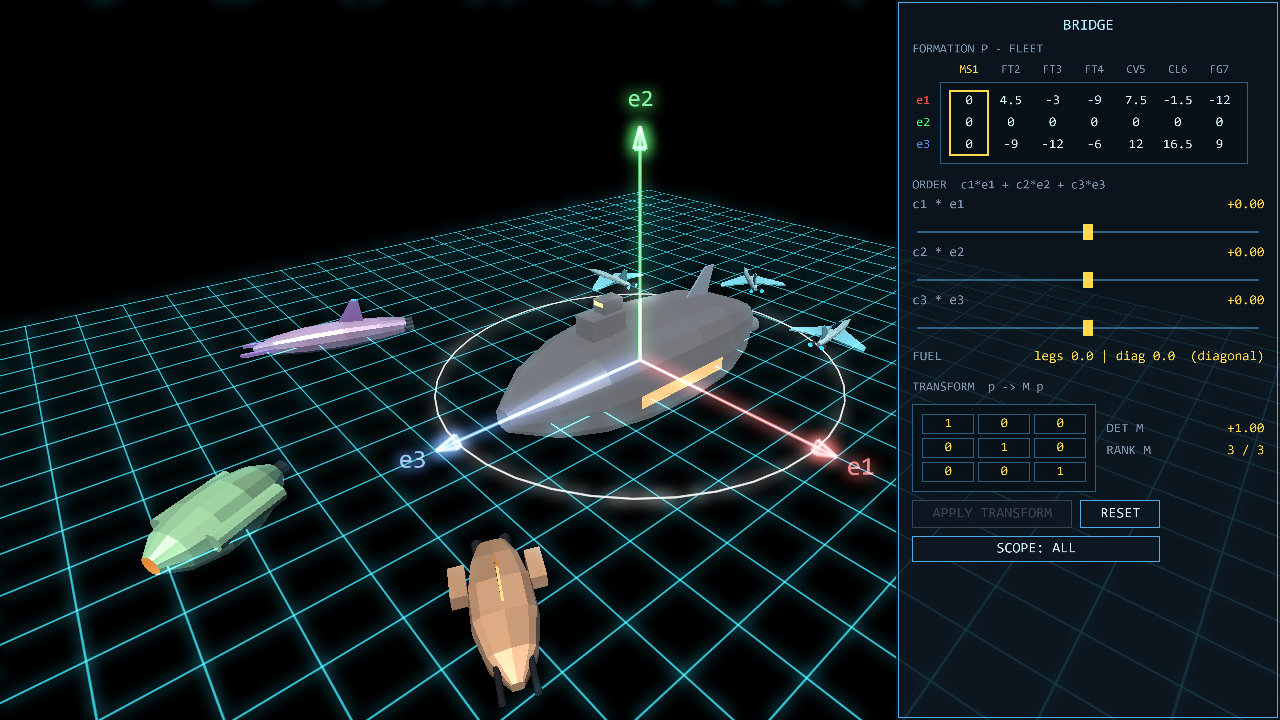
Here's what's different — and amazing.
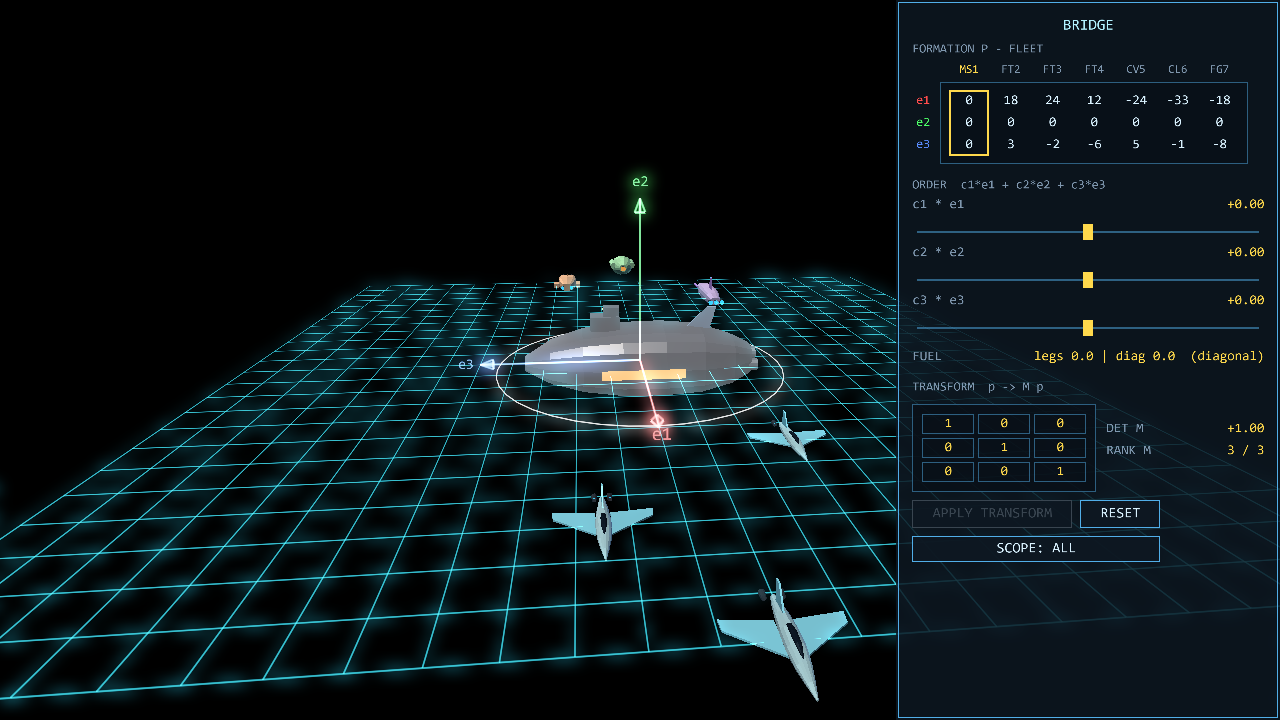
This isn't point-and-click. Your fleet's positions are a matrix — one column per ship, live on the Bridge console — and the ships flying in space are the very same numbers, shown the other way. Move one, and the other moves instantly. Two pictures of one object.
Instead of clicking each ship, you command the whole formation with a transformation. Dial a 3×3 matrix and watch a ghost-preview show where every ship will go: a rotation swings the fleet around the mothership, a scaling scatters or tightens it, a shear leans it into a parallelogram. The console shows the determinant (how much the fleet's volume grows or flips), the rank (and a warning if your matrix would collapse the fleet onto a plane or a line!), and the amber eigen-axis — the one direction the transformation leaves fixed. You have to think to choose the matrix that makes the shape you want.
Get it wrong? Nothing bad happens. There's no punishment and no game-over — the challenge is understanding, not survival. You're not being tested; you're being shown.
📸 Gallery — real in-game screenshots
Straight from our own engine. Click any photo to view it full-size.
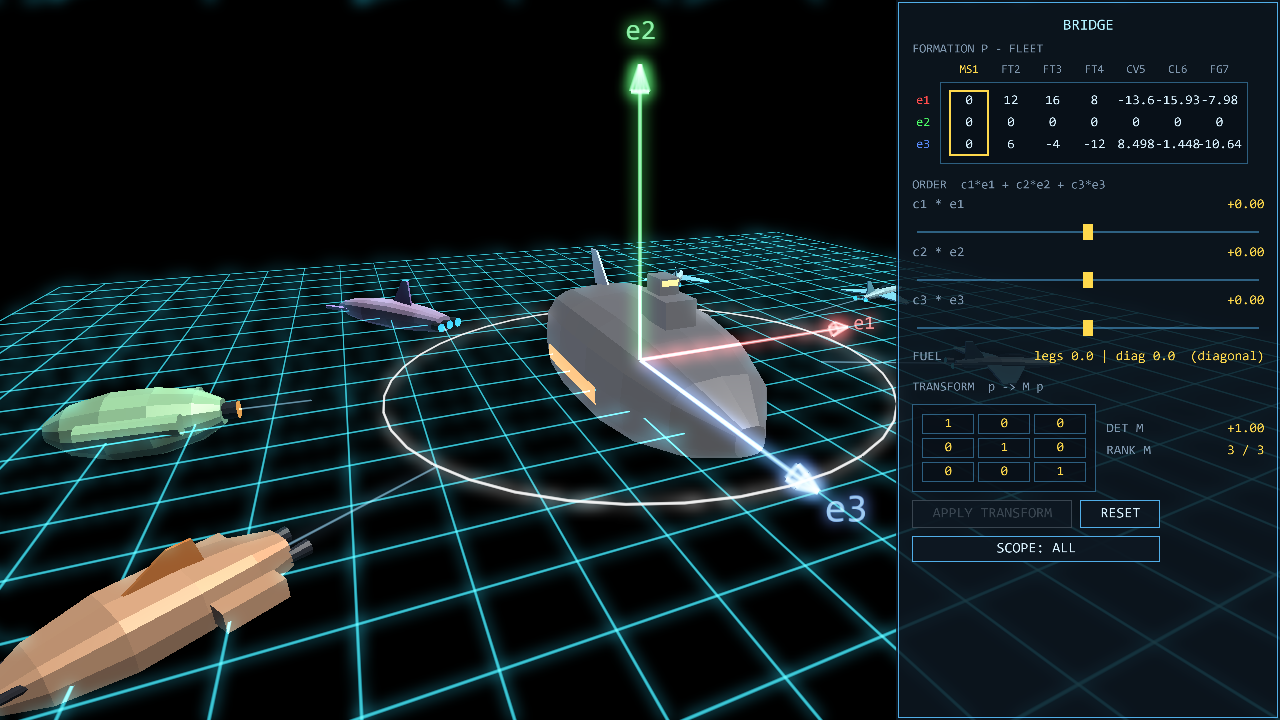
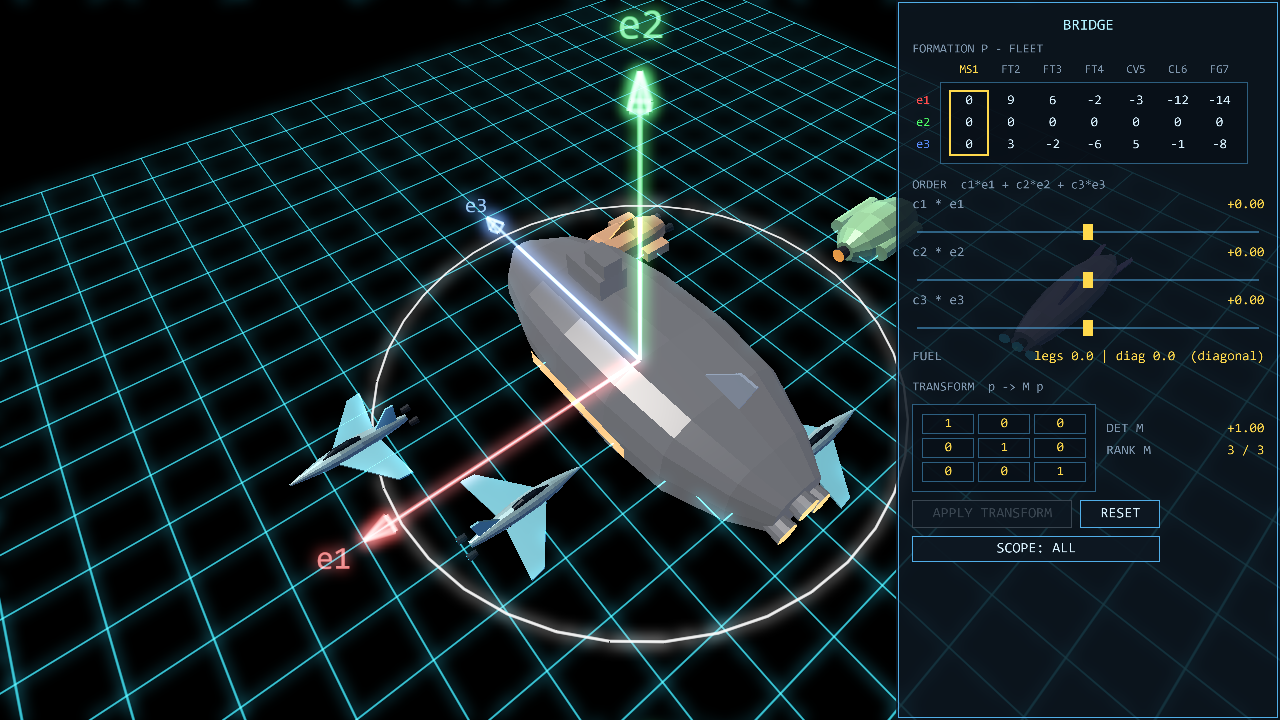
🏔️ The mountain you're climbing
The peak: linear algebra — the mathematics of vectors, matrices, and the spaces they live in, taught the way Gilbert Strang teaches it. It's the language underneath computer graphics, machine learning, quantum mechanics, and search engines. And it is, secretly, the perfect language for commanding a fleet in space.
The 16-mission campaign is a journey home, and each mission is one big idea wrapped in a story: spanning a plane of refugees, the dot product as a dust stream, rank and the nullspace "cloak," least-squares through a nebula of noise, eigenvectors as the calm axis you dock along, and finally the singular value decomposition — the grand finale, "The Victory of Orthogonality." The whole arc is "the search for a good basis" — the right set of directions that makes a hard problem simple.
What you'll actually feel by the end:
- Why a matrix is a motion of space — not a spreadsheet of numbers.
- What the determinant and rank really mean (volume, flips, and collapse).
- Why eigenvectors are the directions that don't turn.
- What a "good basis" is — and why finding one is the whole game.
❤️ How you two play
Homeworld: A Good Basis is built for two people on one screen — a co-op design that gives each player a real, distinct job. (Playing solo works too — one person can do both.)
🕹️ Player 1 — The Pilot
Flies the fleet by linear combinations. Dials coefficients on e1, e2, e3 (the red, green, blue basis axes) to build a movement vector, watches the ghost construction draw itself in space, and commits the order. Plays on the keyboard.
🎯 Player 2 — The Navigator
Works the Bridge console with the mouse: reads the live formation matrix, drags the order sliders, and — the heart of the game — edits the transformation matrix M to reshape the entire fleet at once. Rotate, scale, scatter, mirror, or collapse; then hit APPLY and watch the ships fly.
🎮 Controls
Keyboard for the Pilot, mouse for the Navigator — that's all you need.
⌨️ Pilot (keyboard)
W/SA/DR/F— edit the combination coefficients c1, c2, c3Enter— commit the order (the fleet flies the combination)X— toggle diagonal / staged flightBackspace— clear the coefficientsQ/E— switch which squad you commandTab— select the next ship ·C— recenter the camera- Arrows /
PgUp/PgDn— orbit & zoom the camera Ppause ·F1debug ·F12screenshot ·Escquit
🖱️ Navigator (mouse — the Bridge console)
- ORDER sliders — drive the same combination the Pilot is building.
- TRANSFORM grid — scroll or drag a cell to edit the 3×3 matrix M, preview p → M·p on the whole formation, then click APPLY to reshape the fleet. Watch det, rank, the collapse warning, and the amber fixed-axis line.
🛡️ You cannot lose
There's no health bar, no lives, no game-over screen. Bad orders are simply explained, never punished. You're here to see linear algebra move — not to grind.
⚙️ The tech
Language: pure Python (Windows-first). Graphics: moderngl + pyglet (a direct OpenGL pipeline — our own GLSL shaders, dual render targets so the solid ships stay crisp while the math holograms glow). Math: NumPy, with a dedicated "referee" module that is the single source of mathematical truth. Packaging: PyInstaller. Every commit is on GitHub — we build in public.
📼 The original that inspired us
The original Homeworld (1999) — the game we're remaking with linear algebra inside.
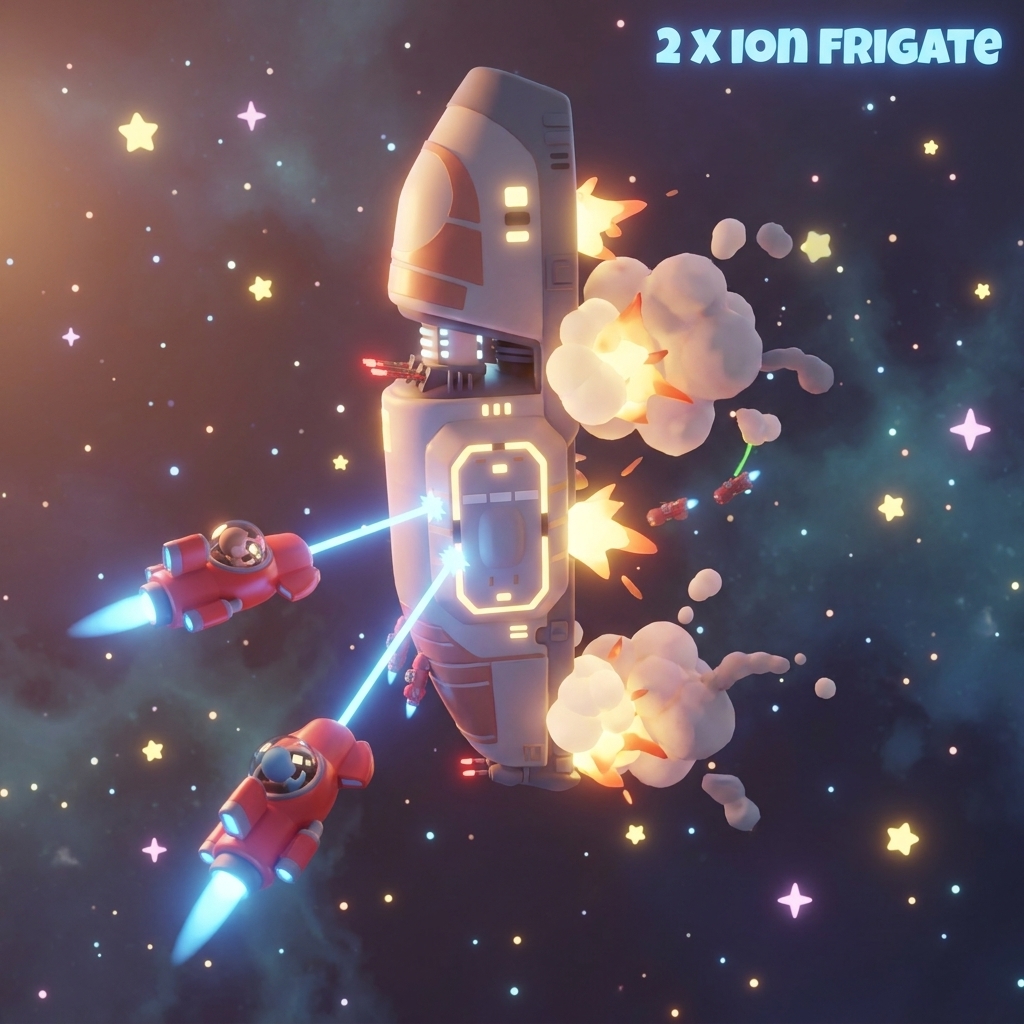
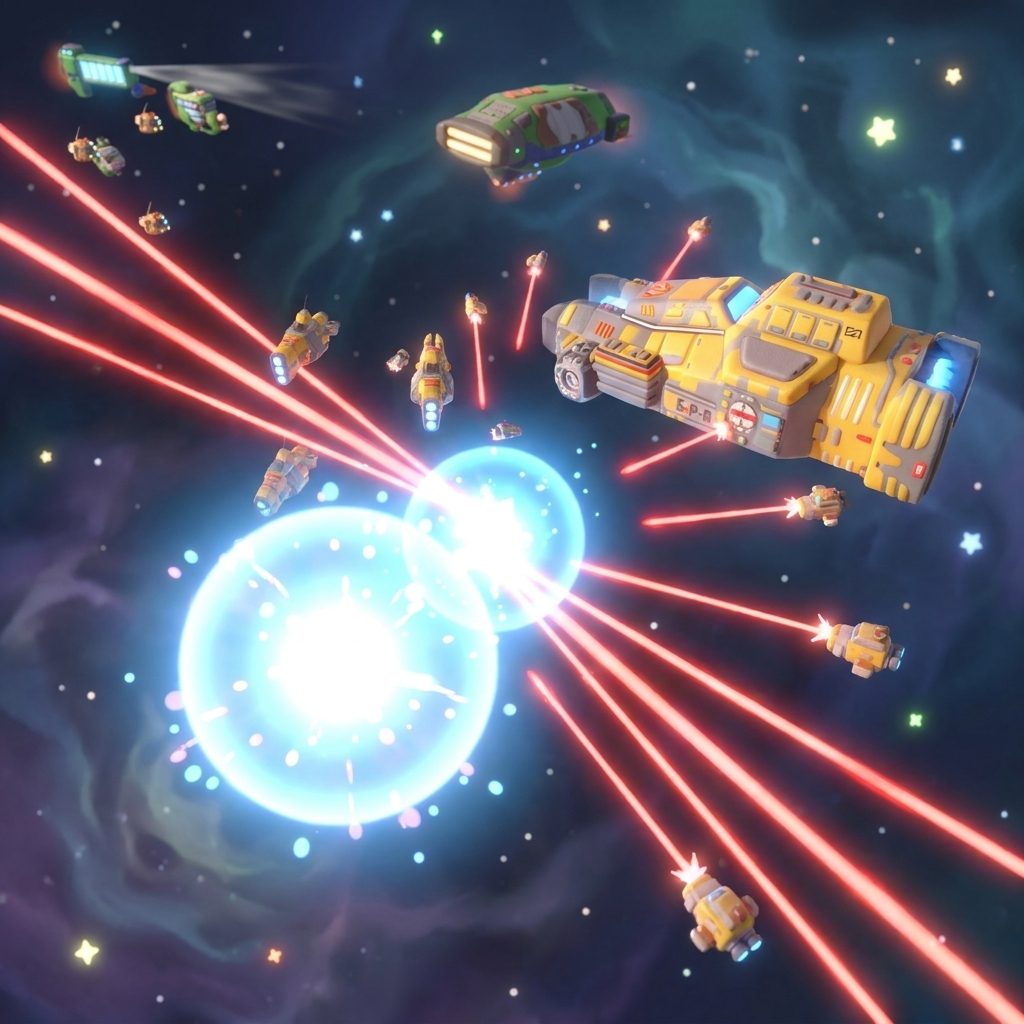
⬇️ Try the Sneak Peek (Windows)
The easy way — no Python, no terminal, no installer:
- Download the Windows
.zip. - Right-click it → Extract All…
- Open the extracted folder.
- Double-click “Homeworld.exe” — that's it! 🎉
- Grab your partner: one on the keyboard (Pilot), one on the mouse (Navigator). ❤️
To uninstall, just delete the folder. It installs nothing and never touches your system.
🛡️ Heads-up: we're a brand-new, free, open-source project, so Windows may say “Unknown publisher.” That's expected for small free games — click “More info” → “Run anyway.” The game needs no admin permission, installs nothing, and doesn't touch your Python or system. Source code.
🧑💻 Prefer to run from source? (for developers)
- Get the code from GitHub (free, open-source — no account, no payment, ever).
- Make sure you have Python installed.
- Install the libraries:
pip install moderngl pyglet numpy pillow - Run it:
cd homeworldthenpython app.py
First time running a game like this? Our How It Works page walks you through everything in plain English.
← Back to The Arcade