🚀 Descent QED
Inspired by Descent (1995) — where flying through six-degrees-of-freedom corridors teaches you real mathematical proofs. The name says it all: you descend into a mine of equations and climb back out understanding them. Quod erat demonstrandum.
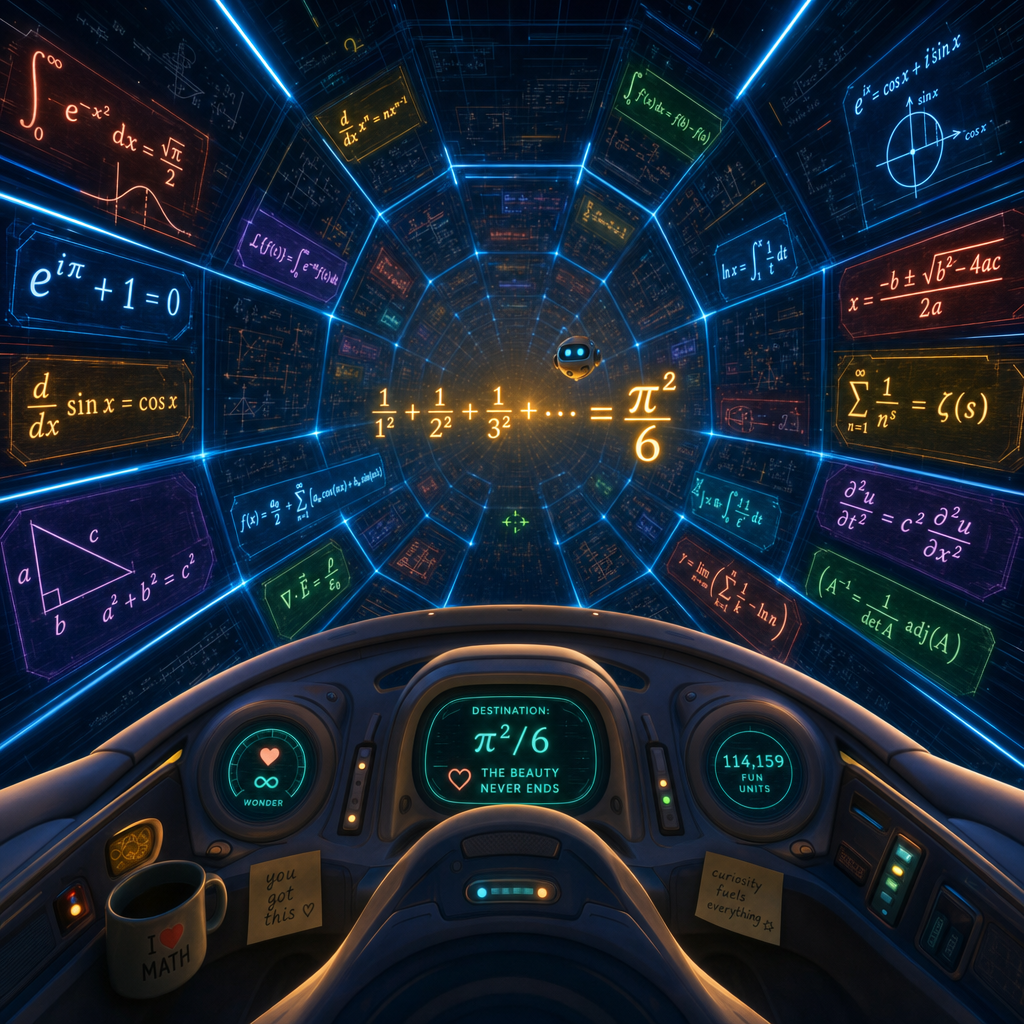
No Python. No terminal. No installer. Just unzip and double-click. 💙
You remember this.
In 1995, Descent did something no shooter had done before: it cut you loose in full six degrees of freedom. No floor, no "up" — just you, a little ship, and a maze of mining tunnels twisting in every direction. Half the thrill was the vertigo; the other half was the quiet, map-mode wireframe glow of a world you slowly came to understand. We kept all of that feeling — the octagonal tunnels, the blue edge-lights, the hovering machines waiting in the dark — and poured something new inside.
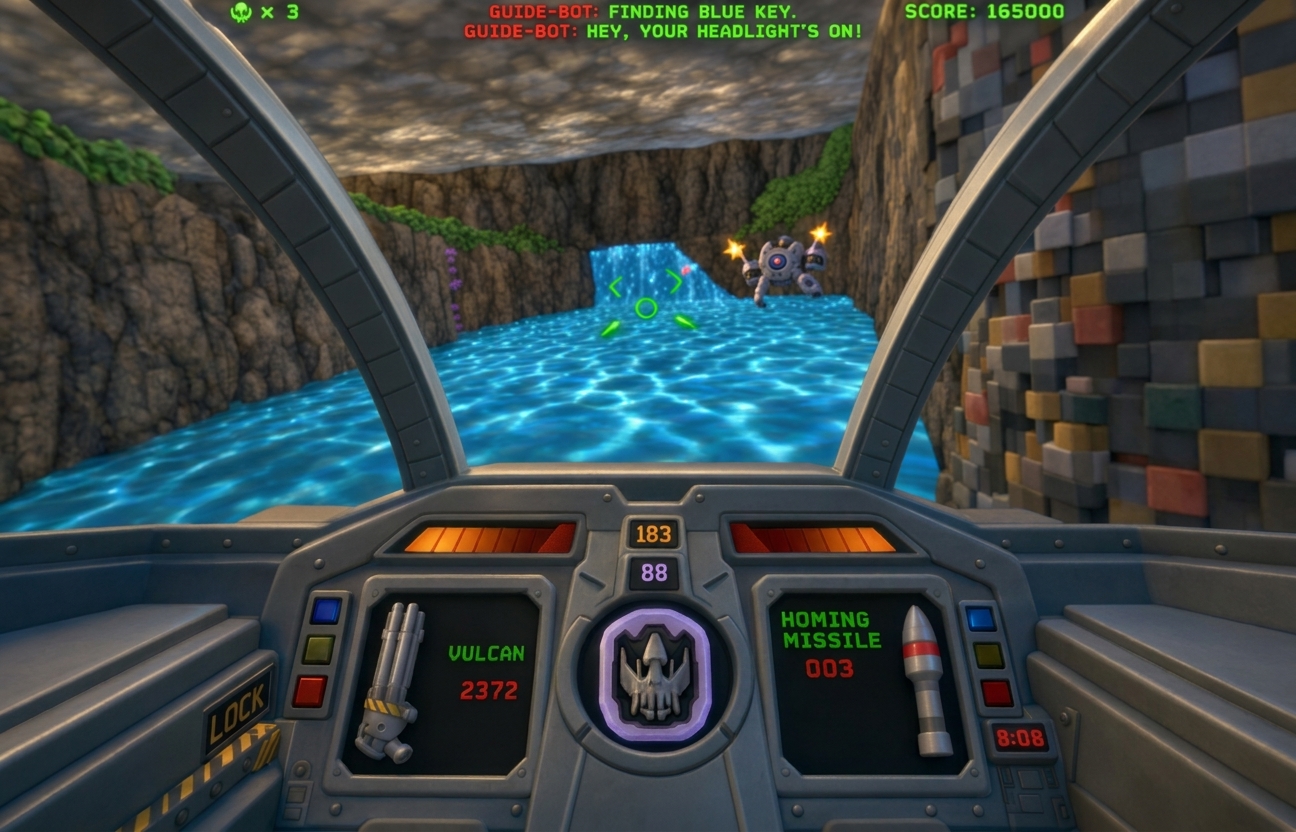
The original that inspired us:
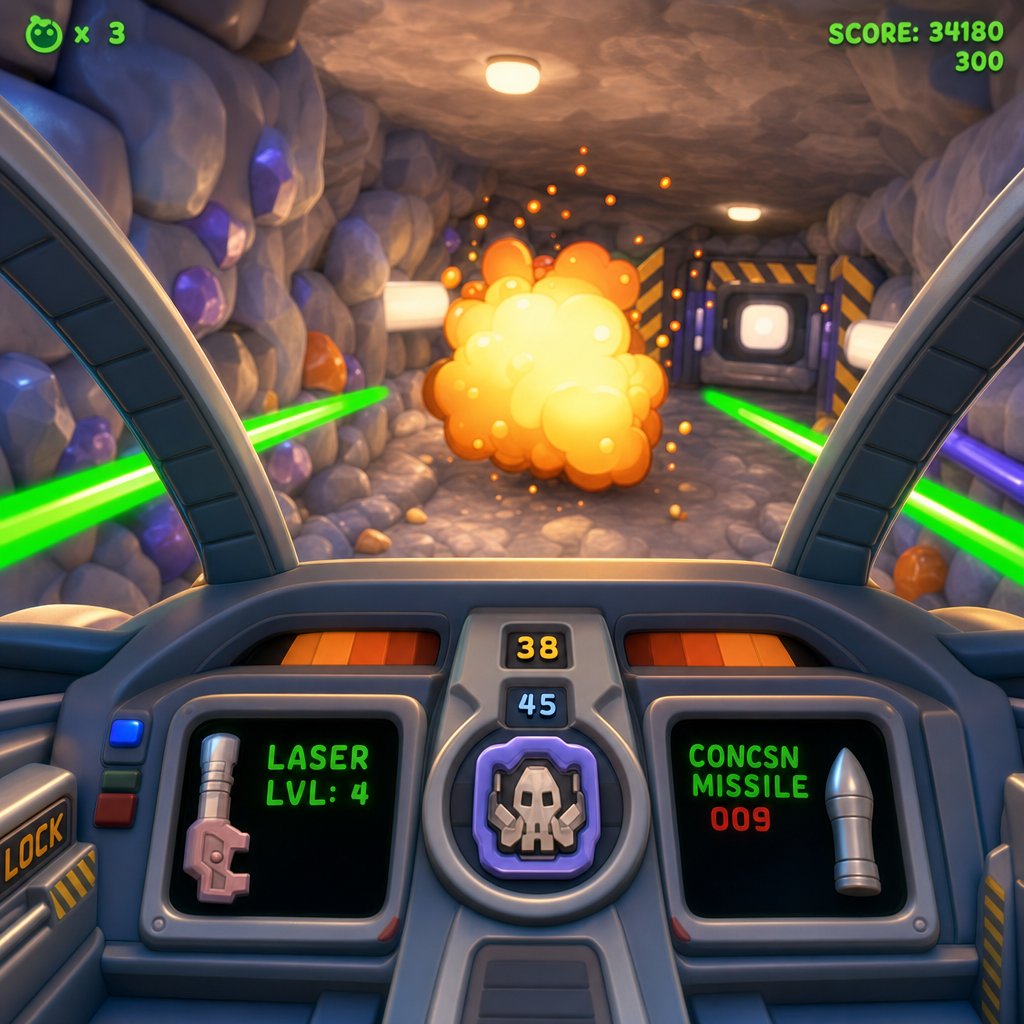
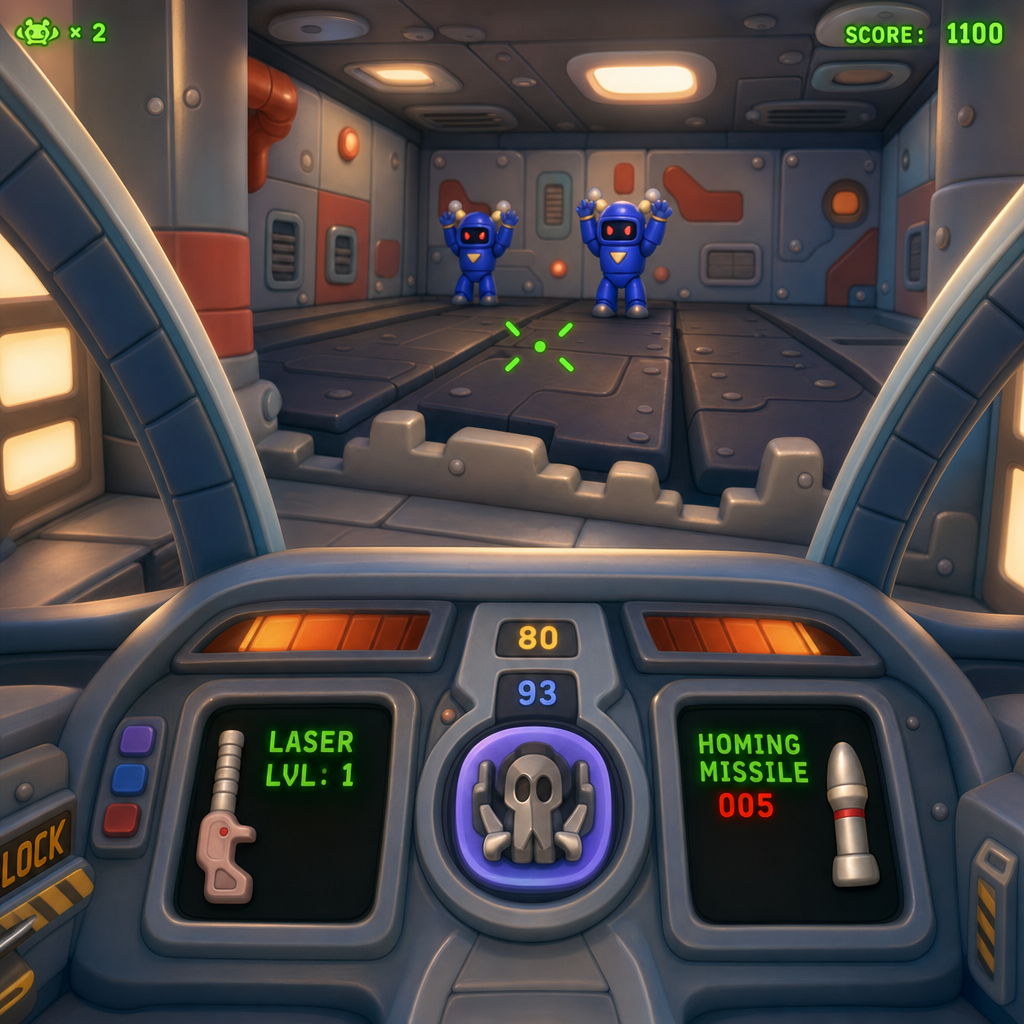
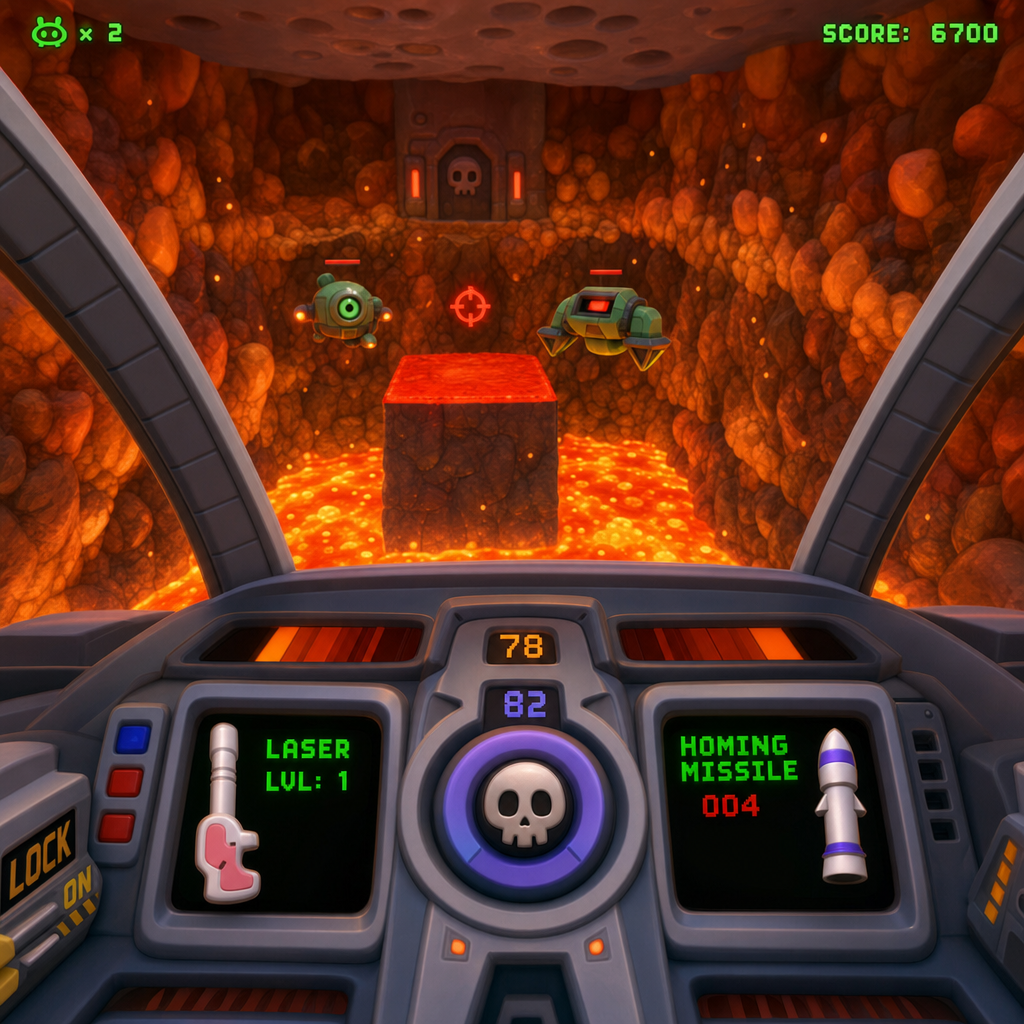
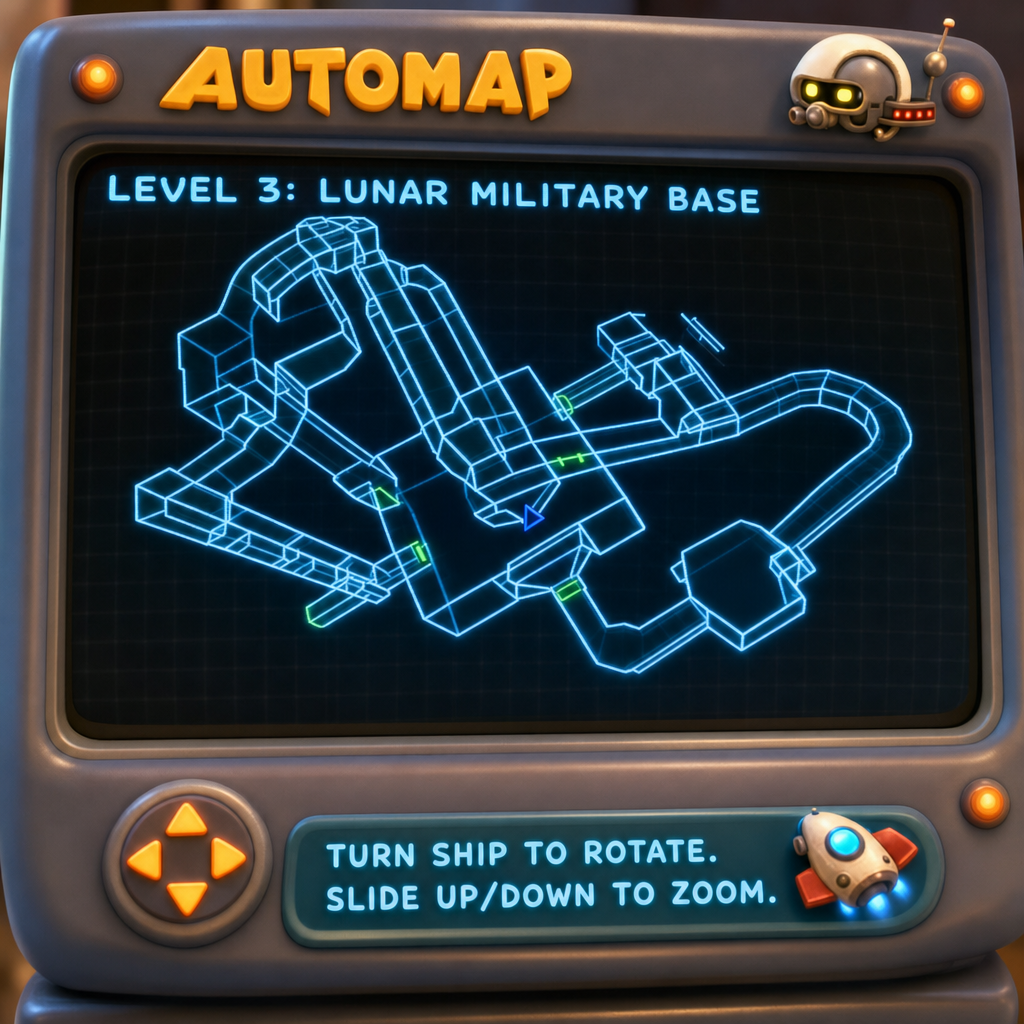
Here's what's different — and amazing.
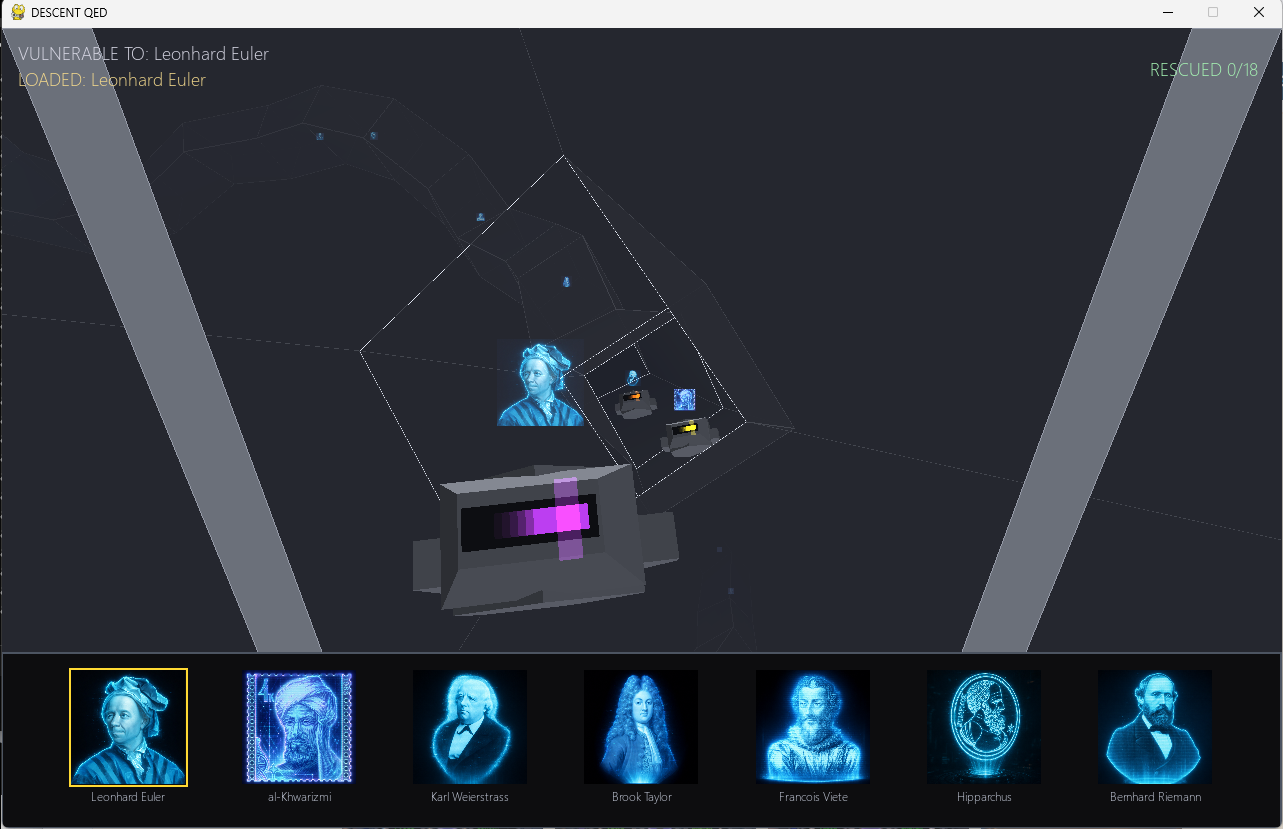
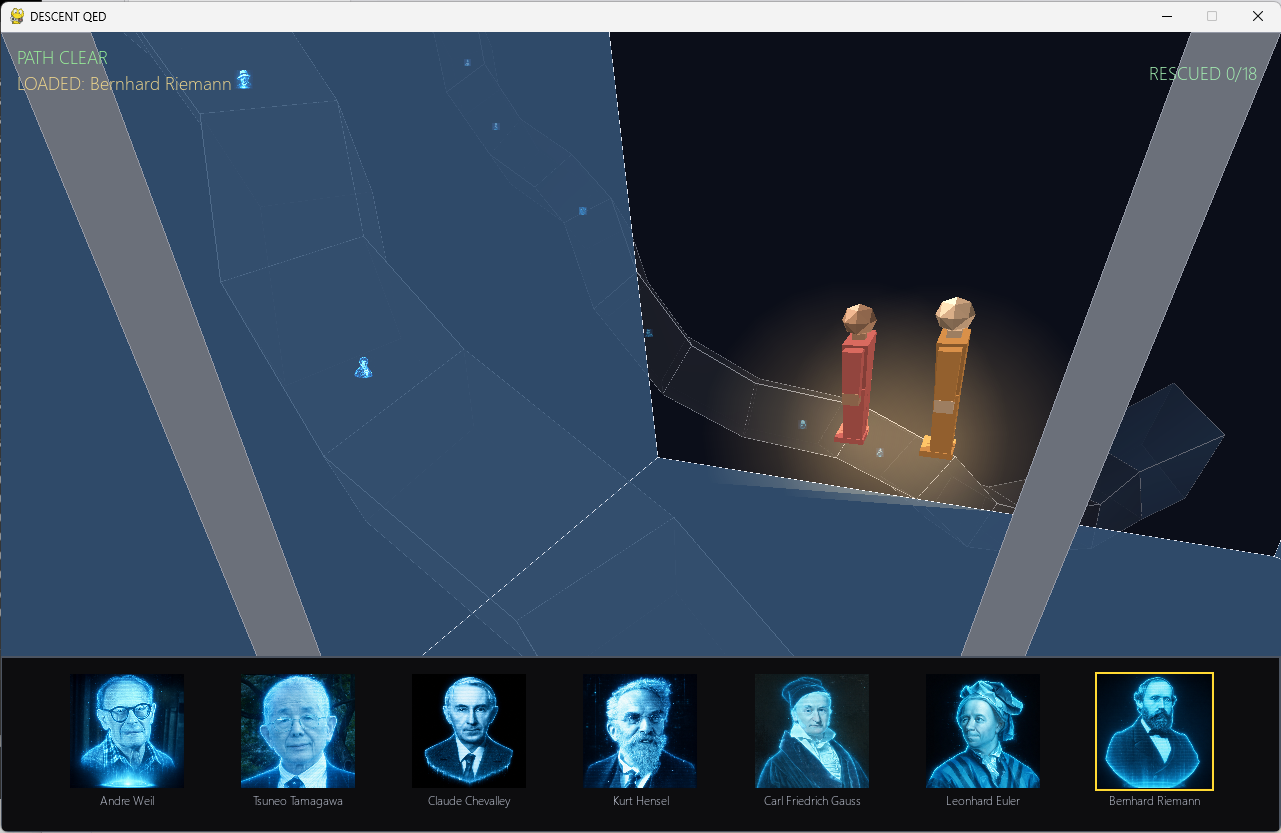
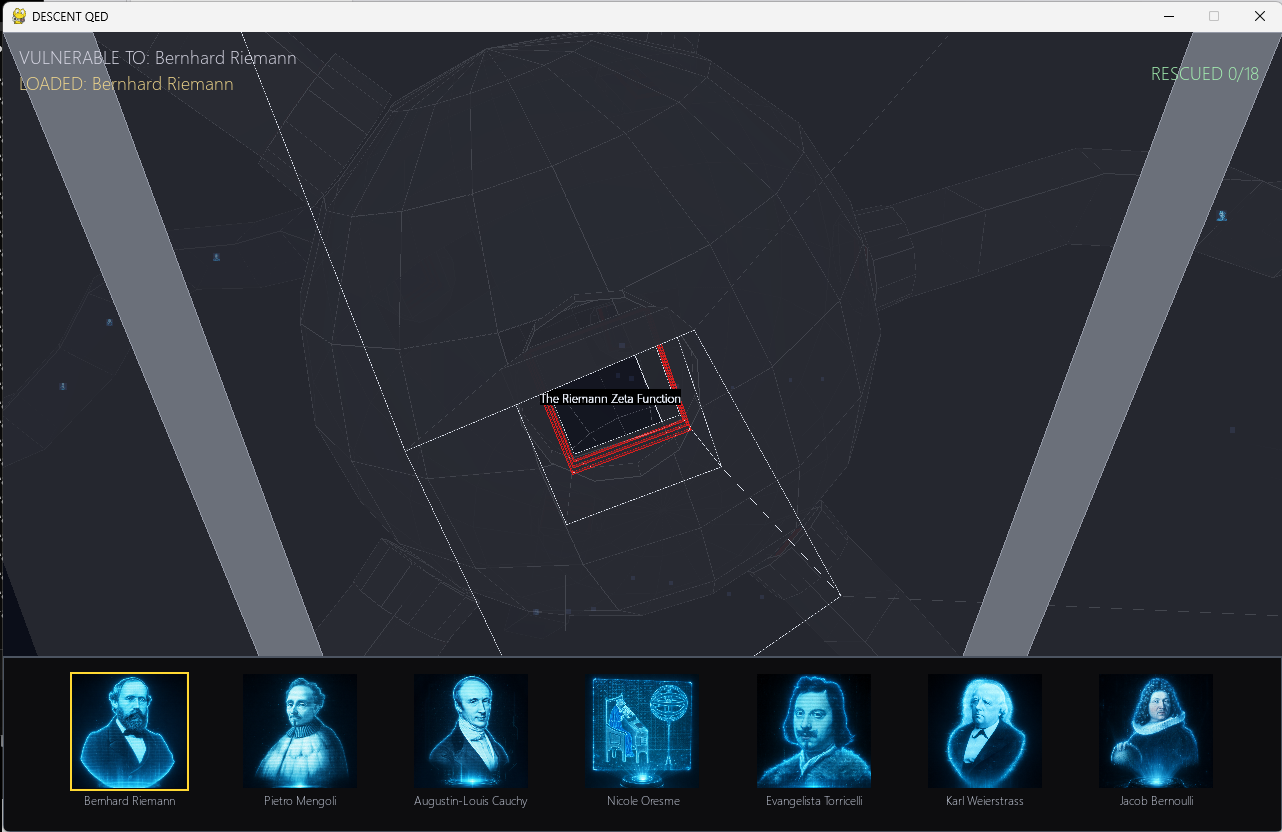
The robots aren't enemies. Each robot is one step of a mathematical proof, hovering in the corridor like a locked door that thinks — and the only way past it is to understand it. Your weapons aren't guns; they're mathematicians. To clear a robot, you fire the mathematician whose idea that step belongs to — Euler, Riemann, Cauchy, Fourier. A simplified hologram of the right mathematician floats above each robot from the start, because the game is about learning the faces, not being quizzed on them.
Get it wrong? Nothing bad happens. There are no shields, no lives, no game-over — no failure economy at all. A wrong shot just fizzles harmlessly and shows you a friendly note explaining why that technique doesn't apply here (which is its own little lesson). The content is the only challenge; the game is simply the delivery vehicle. You're not being tested — you're being shown.
🏔️ The mountain you're climbing
The peak: the Riemann Hypothesis — our Everest. This game's base camp: the Basel Problem, the 300-year-old puzzle Leonhard Euler cracked in 1734:
$$\frac{1}{1^2} + \frac{1}{2^2} + \frac{1}{3^2} + \frac{1}{4^2} + \cdots = \frac{\pi^2}{6}$$
Add up the reciprocals of every square number, forever, and the answer is exactly π² / 6. A circle's number, π, falling out of a sum that has nothing to do with circles — that's the result that made Euler famous overnight, and it's the doorway to the Riemann zeta function ζ(s), the object at the very heart of the Riemann Hypothesis. Beat this game and you've taken your first real step up Everest.
What you'll actually understand by the end:
- Why an infinite sum can add up to an exact, finite number.
- Why π — a circle's constant — appears in a sum about whole numbers.
- What the Riemann zeta function ζ(2) is, and why mathematicians care.
- How nine completely different proofs can all reach the same truth.
Because that's the secret: the finished game has nine corridors — nine independent proofs that ∑ 1/n² = π²/6, each authored as its own flight:
- Euler's original 1734 approach
- The Symmetric-Polynomial Ascent (every even zeta value)
- The Riemann Zeta Function
- Euler's Formula & L'Hôpital's Rule
- A Proof Using Fourier Series
- Parseval's Identity & the Recurrence
- Differentiation Under the Integral Sign
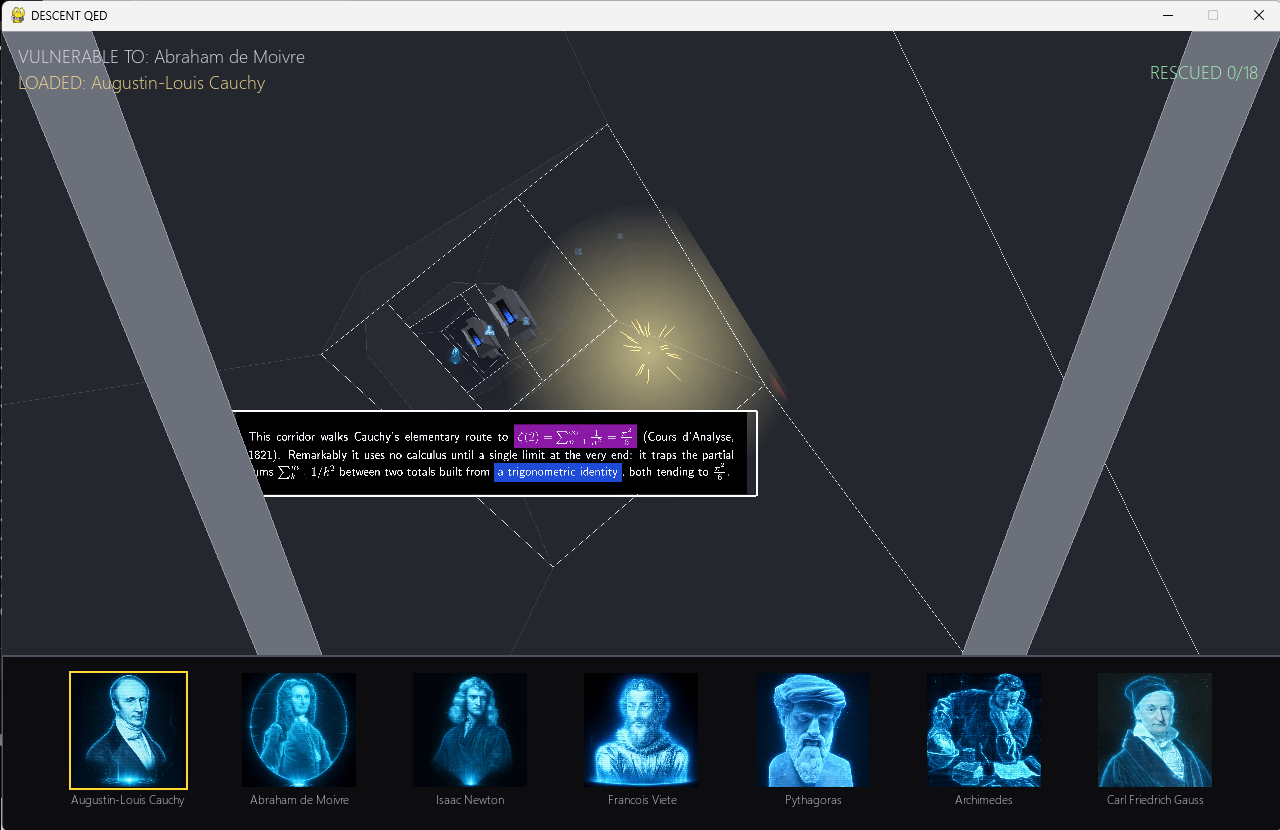
- Cauchy's Elementary Descent
- Geometry Meets Arithmetic (Weil / Tamagawa)
Clear all nine and the ship reaches the QUOD ERAT DEMONSTRANDUM finale — the same idea, proven nine ways. ∎
🔍 Understanding Mode — read the proof four ways
This is the soul of the game, and it's an idea that doesn't exist anywhere else. Lock onto a robot and you can drive into its explanation like road signs in fog: the nearest sign is crisp, and you can see the next one faintly through it. Roll the mouse wheel and you move a virtual reading depth — not the ship — forward and back, fully reversible like a car in reverse. Zoom in for a deeper explanation; zoom out to literally see the big picture. The same proof step is written at four levels at once:
"Explain like I'm a mathematician" — the rigorous, Wikipedia-register statement.
"Explain like I'm a physicist" — the working intuition, fewer epsilons.
"Explain like I'm a biologist" — plain words, the shape of the idea.
"Explain like I'm an engineer" — by example, with actual numbers and value arcs.
And the colors mean something. Following a strict "kindergarten color-mixing law," each core ingredient of a proof gets a primary — red, yellow, or blue. A secondary color only ever appears when two ingredients genuinely combine: green = yellow + blue, purple = red + blue, orange = yellow + red. Split a combined expression back apart on screen and its pieces revert to their parent colors. Color isn't decoration here — it's a live, honest dependency map of the proof.
❤️ How you two play
Descent QED is built for two people on one screen, sharing one ship — because the consulting is the game.
🕹️ Player 1 — The Pilot
Flies the ship in full 6-DOF with keyboard, mouse-look, or a T.16000M flight joystick. Aims at a robot to lock on (its equation appears), then fires the chosen mathematician. Holds the heroic Exemplify laser in reserve — the "break glass in emergency" move that turns the abstract into concrete numbers when you're both stuck.
🎮 Player 2 — The Navigator
Reads the proof and chooses which mathematician to load — with the mouse, or an Xbox controller. Uses the wheel / right stick to drive the reading depth and pan across the oversized glass signs. They're the one thinking it through: "Not yet — I'm still reading…"
Neither of you can win alone: one flies and aims, the other reads and decides. You have to talk to each other to clear a corridor — that's the point. Playing solo? You can drive both roles yourself; it's just more fun with someone beside you. 💕
🎮 Controls
Keyboard + mouse is all you need. A flight joystick and a gamepad are optional — not required, just more fun — and you can use them at the same time as the keyboard and mouse.
🚀 Flying the ship (keyboard)
Wforward ·Sback ·Astrafe left ·Dstrafe rightRrise up ·Fdrop down↑/↓— pitch (nose up / down)←/→— yaw (turn left / right)Q/E— roll left / rightShift— boost (fly faster)
🎯 Defeating a robot (firing a mathematician)
- Click a mathematician's face (mouse) to load that mathematician.
Space— fire the loaded mathematician at the robot you're facing.- Picked the wrong one? Harmless 6-second fizzle, no penalty — you're learning together. 💕
🥽 Understanding Mode (read the proof on the glass signs)
U— enter (while facing a robot).- Scroll the mouse wheel — move through the depth layers (graduate → undergraduate → high-school → applied).
- Move the mouse — pan and look around the big glass sign.
- Hold
Ctrl— jump straight to the deepest "engineer" layer (real plugged-in numbers). - To exit: scroll the wheel backward (toward you) past the first sign. (Inside Understanding Mode,
Escdoes nothing — you leave by scrolling back out.)
🚪 Quitting the game
Esc— closes the game (when you're not in Understanding Mode).
🕹️ Optional controllers (not required — just more fun)
Keyboard + mouse always work. If you happen to own these exact devices, they add to the feel and work alongside the keyboard/mouse. A quick ~1-second calibration runs at startup — just keep the stick and controller centered for a moment.
Thrustmaster T.16000M flight stick → the Pilot (flying):
- Move the stick — tilt forward / back = pitch, left / right = roll, twist = yaw.
- Throttle slider = forward / back thrust; the base hat = strafe up / down / left / right.
- Trigger = fire the loaded mathematician.
- The button next to the trigger = reveal the deepest "engineer" layer in Understanding Mode.
Xbox 360 controller → the Navigator (reading & choosing):
- In Understanding Mode: the right stick pans / looks around the sign.
- Choose the mathematician:
A/B/X/Y, or theLB/RBbumpers, cycle through the faces.
📸 Gallery
Real in-game screenshots — click any photo to view it full-size. (Video clips coming soon!)
⬇️ Download & play (Windows)
The easy way — no Python, no terminal, no installer:
- Download the Windows
.zip. - Right-click it → Extract All…
- Open the extracted folder.
- Double-click “Descent QED.exe” — that's it! 🎉
- Grab your partner — and a flight joystick + gamepad if you have them. 🎮
To uninstall, just delete the folder. It installs nothing and never touches your system.
🛡️ Heads-up: we're a brand-new, free, open-source project, so Windows may say “Unknown publisher.” That's expected for small free games — click “More info” → “Run anyway.” The game needs no admin permission, installs nothing, and doesn't touch your Python or system. Source code.
🧑💻 Prefer to run from source? (for developers)
- Get the code from GitHub (free, open-source — no account, no payment, ever).
- Make sure you have Python installed.
- Install the libraries:
pip install pygame PyOpenGL numpy matplotlib pillow - Run it:
cd descentthenpython app.py
First time running a game like this? Our How It Works page walks you through everything in plain English.
← Back to The Arcade